 MALAYSIA
OPS PC for interactive flat panels in Malaysia: when does a school need one?
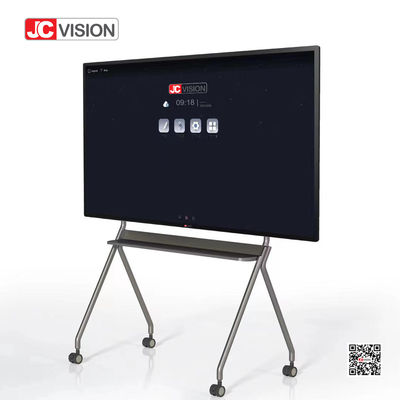
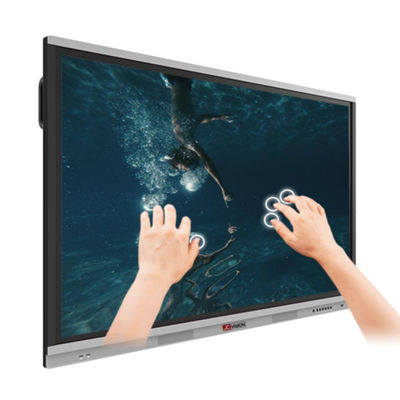
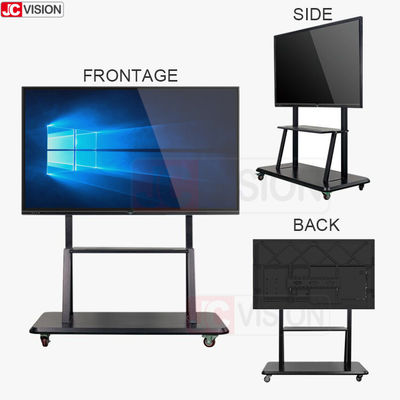
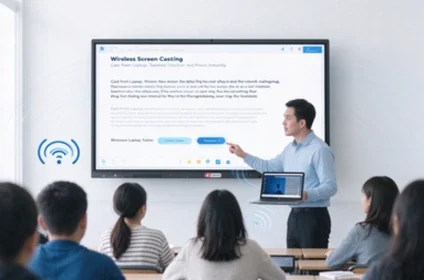
If a quotation lists an interactive flat panel and an optional OPS PC, start with the software teachers use. A Windows app needed in every lesson makes a different case from a spreadsheet opened once a month on a teacher’s laptop.
If a quotation lists an interactive flat panel and an optional OPS PC, start with the software teachers use. A Windows app needed in every lesson makes a different case from a spreadsheet opened once a month on a teacher’s laptop.
Try the same lesson three ways
Bring one teaching file with its usual fonts, embedded media and annotations. Open it on the panel’s built-in system, on a connected laptop and on the proposed slot-in PC. Save your changes and reopen the file. Record which setup preserves the material and how many steps a substitute teacher needs to start class.
Confirm the exact panel and module pairing
Ask the supplier to name both model numbers on the quotation and confirm compatibility in writing. During the demonstration, change inputs, use touch and audio, then restart the system. Have school IT check Windows licensing, application installation rights and how the shared PC will be updated.
Ask for two comparable RM quotations
Give JCVISION Malaysia your panel model, classroom count and required apps. Request separate totals for the panel with a teacher laptop connection and the panel with the proposed OPS configuration. List licences, setup and support separately so the purchasing team can identify the cost of adding Windows to each classroom.